Scratch the Ticket Getting Started
From the Steam store to your first smart scratch session.
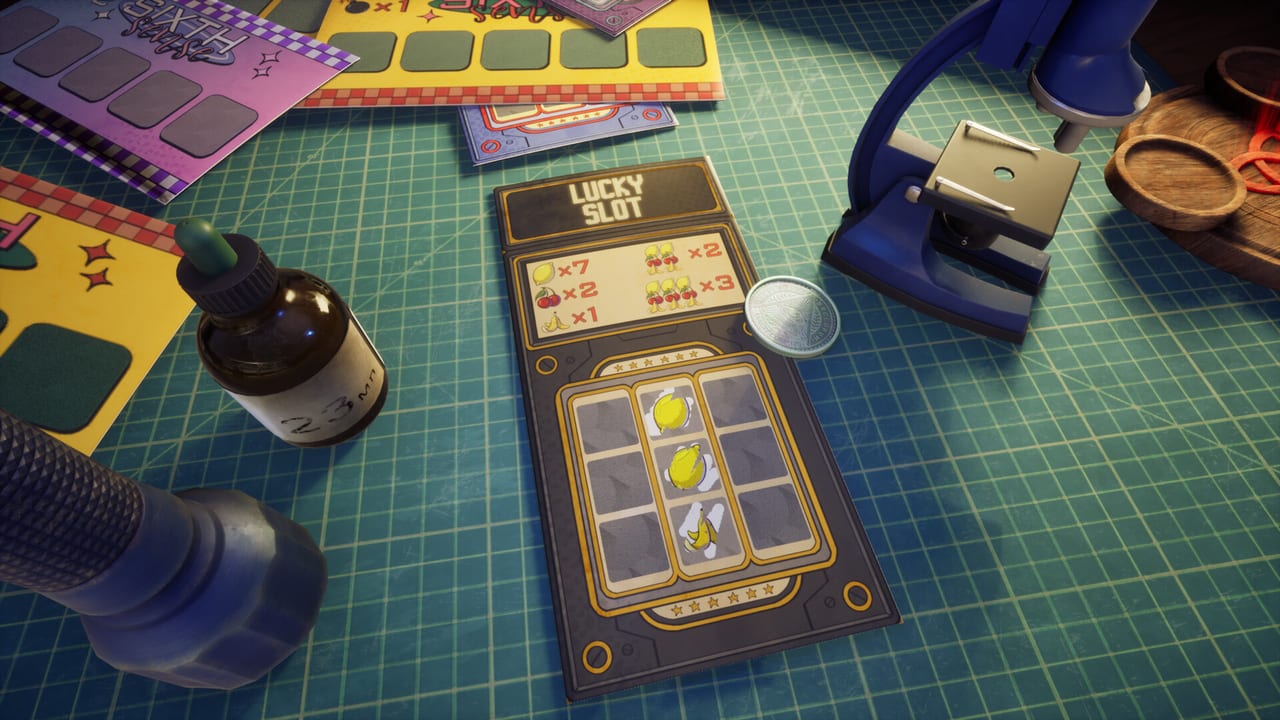
Scratch the Ticket looks simple until the first bomb resets a promising ticket. This Getting Started guide is the onboarding path for players who just found the Steam page, installed the demo, or bought the full game that released August 13, 2026.
Confirm you have the right game
Search results often mix Scratch the Ticket with Scritchy Scratchy. Scratch the Ticket is the first-person incremental gambling sim by Shilenok and Spaghetti Cat (Steam App 4626940). It is single-player, Windows-focused, and built around printing tickets in a tense room loop. If the store page shows a different App ID or an idle top-down scratcher, leave that tab and open our Links Hub.
Step 1: Buy, keep the demo, or both
Open App 4626940. List price is $9.99 with a 30 percent introductory offer through August 27, 2026. Install the free demo (App 4821810) if you still want a classroom before spending. Official URLs live on the Links Hub, Launch Day, and Review Roundup.
Step 2: Check your PC before the first boot
Minimum guidance from Steam now points to Windows 10 x64, a quad-core CPU at 2.5 GHz or faster, 8 GB RAM, a GTX 1660 or RX 5500 XT, DirectX 11, and roughly 2 GB of storage. Recommended play sits closer to RTX 3060 or RX 6600 XT with DirectX 12. The store’s recommended RAM and storage fields look mistyped (16 MB / 2 MB); treat 16 GB RAM and a couple of gigabytes of disk as the honest comfort target. Close heavy overlays if the first-person scratching feels stuttery, then revisit Controls for camera comfort.
Step 3: Learn the five-cell nerve test
A classic ticket hides multipliers and a bomb. You scratch cell by cell. Multipliers grow the payout. The bomb zeros that ticket. After each reveal you choose: cash out now or risk another cell. That decision is the whole game. Read How to Play for the full loop, then drill habits with Cash-Out Strategy.
Step 4: Treat early cash as tuition
New players often chase one more multiplier because the room fantasy rewards greed. Early on, cash more often than your ego wants. Build a buffer before you buy expensive gadgets or printer upgrades. The Cash-Out Helper exists for those mid-ticket freezes.
Step 5: Meet gadgets without wasting them
Spy, UV Flashlight, and Drop exist to tilt information. Do not Drop a tiny ticket. Learn Spy and UV on medium stakes first via Spy and UV Flashlight, then study Drop X-ray and Gadget Timing.
Step 6: Aim printers at the apartment fantasy
Progression is not only bigger tickets. You upgrade printers and push toward an insanely expensive downtown apartment. Keep that long goal in mind with Apartment Goal and Upgrade Path so you do not stall in vanity purchases.
First-hour checklist
- Buy or install the demo, then boot the live client.
- Complete a few cheap tickets cashing early.
- Survive one bomb without rage-quitting.
- Unlock or find your first information gadget.
- Bookmark Demo Guide and Release Hotfix.
- Know where saves live using Save Files.
Common beginner mistakes
Ignoring cash-out after two safe multipliers, spending Drop on junk tickets, upgrading the wrong printer too early, and confusing this title with Scritchy Scratchy guides. If a tip mentions Scratch Bot, Jack Points, or dish washing loops, you are reading the wrong game.
What to read next
Continue with How to Play for mechanics depth, Ticket Types for variety, and the Gadgets Hub once tools appear. Come back here after patches if onboarding UI changes.
Getting started is not about memorizing every cell. It is about building a calm cash-out reflex before greed takes the wheel.
Frequently Asked Questions
Quick answers to the most common questions.
Should I wait for a later patch to play?
No. The full game is out. Use Demo Guide if you still want a free classroom, or buy and follow this checklist.
Where do I download the game?
Steam store and demo links are listed on the Links Hub.
What is the long-term goal?
Grow the operation toward the downtown apartment. See Apartment Goal.
I went bankrupt already. Now what?
Cash earlier, avoid Drop on small tickets, and follow Cash-Out Strategy.