Scratch the Ticket Save Files and Soft Resets
Find LotteryTicket saves and start clean when a run goes toxic.
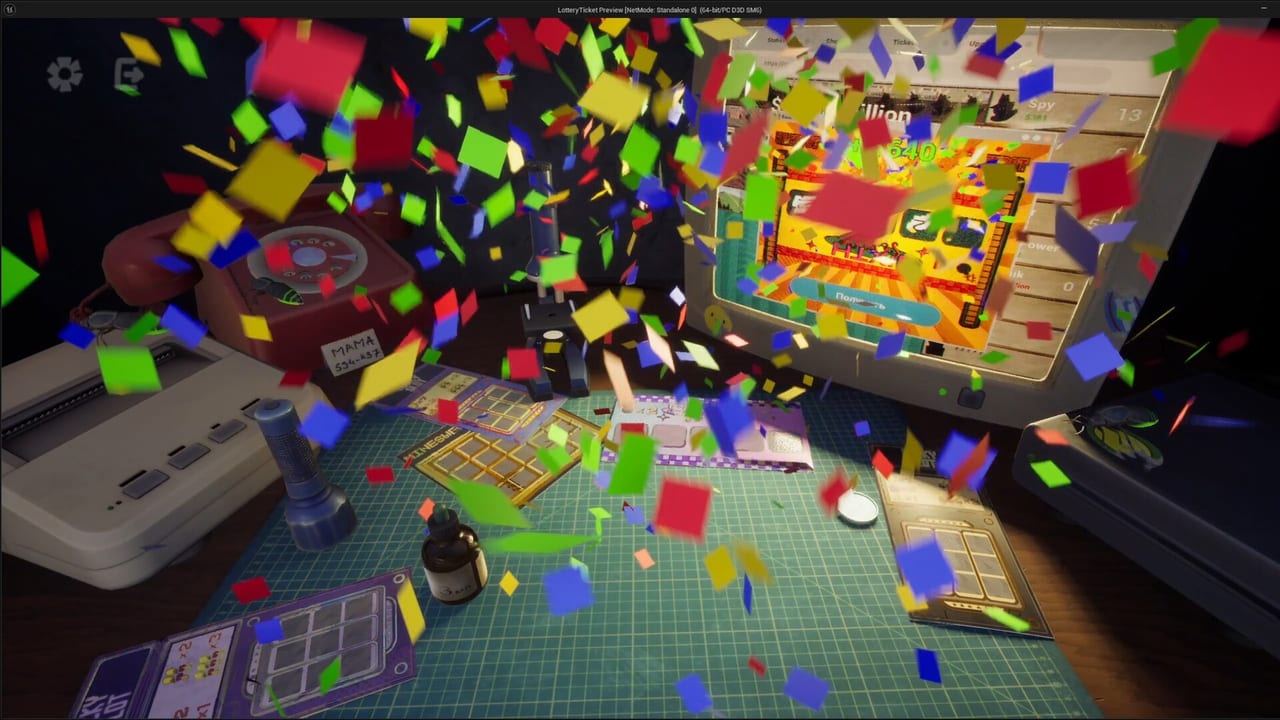
Sometimes the best Scratch the Ticket strategy is a clean save. This Save Files page documents the Windows folder players share for LotteryTicket saves, explains when resets help, and keeps you from fighting a corrupted or tilted session forever.
Reported save location
Players point to C:\\Users\\<YourName>\\AppData\\Local\\LotteryTicket\\Saved\\SaveGames as the save directory. Replace the username segment with your Windows account. Close the game before copying or deleting files.
When to reset
Reset after soft locks, missing gadgets from physics glitches, or bankrolls so destroyed that learning stops. Do not reset merely because one bomb hurt your feelings. Use Cash-Out Strategy first.
Safe reset steps
- Close Scratch the Ticket completely.
- Open the SaveGames folder.
- Back up files to a zip on your Desktop.
- Remove or move the active save.
- Relaunch and confirm a fresh state.
- Re-run onboarding habits from Getting Started.
Demo versus full game
Paths should stay similar if the project name remains LotteryTicket, but verify after patches. Launch changes will be noted near Launch Day and Demo Notes.
Backups before experiments
Before testing greedy rules or upgrade spikes, duplicate your save. Experiments are healthier when you can roll back. Pair experiments with Upgrade Path and Cash-Out Helper.
Cloud and Steam notes
If Steam Cloud is enabled for your build, cloud sync can restore deleted local files. Be prepared to reconcile cloud and local copies. Official installers remain on the Links Hub.
Privacy caution
Save folders can contain progress you care about. Do not upload random save dumps to strangers. This wiki will not ask for your files.
Related recovery reading
If controls feel broken after a reset, revisit Controls. If you are resetting because Drop addiction wrecked you, read Drop X-ray and Gadget Timing.
Mindset
A reset is not shame. It is a training tool. The apartment fantasy on Apartment Goal rewards process more than clinging to one cursed desk.
Know where your saves live before you need them. Panic is a bad file browser.
Final reminder before deleting saves
Backup first, close the game first, then reset. Panic deletes create longer nights.
Steam Cloud after launch
The full game lists Steam Cloud. Cloud can restore a folder you just deleted. After a reset, fully quit, wait for sync, then confirm which copy you want. LotteryTicket\Saved\SaveGames remains the local path players share. Never delete mid-panic while the client is open.
Steam Cloud versus local LotteryTicket folders
After August 13, 2026 the full client syncs through Steam Cloud. Fully quit, wait for sync, then confirm which copy you want. LotteryTicket\Saved\SaveGames remains the local path players share. Never delete mid-panic while the client is open. If Cloud fights a local file after the Release Hotfix, copy the folder to the desktop first. Demo saves on App 4821810 may not carry; treat them as classroom files. Soft-reset protects more progress than a revenge Role S print. Official bug reports beat random executables every time.
If a microscope clips a wall or a flashlight leaves the room, stop printing high-stakes tickets. Quit, sync Cloud, then decide whether a local LotteryTicket copy is healthier than revenge scratches. Demo folders on App 4821810 are classrooms, not the live Cloud save.
Keep a zip on the desktop before you touch Cloud. A calm copy-paste beats a missing LotteryTicket folder after a physics yeet.
Frequently Asked Questions
Quick answers to the most common questions.
Exact path again?
`AppData\\Local\\LotteryTicket\\Saved\\SaveGames` under your user folder.
Should I delete while the game is open?
No. Close the game first.
Will this work on Mac?
The current Steam target is Windows. Mac paths are not the primary case.
Is resetting cheating?
No. It is a single-player learning tool.