Scratch the Ticket Gadgets Hub
Espionage and scanning tech that turns blind tickets into informed bets.
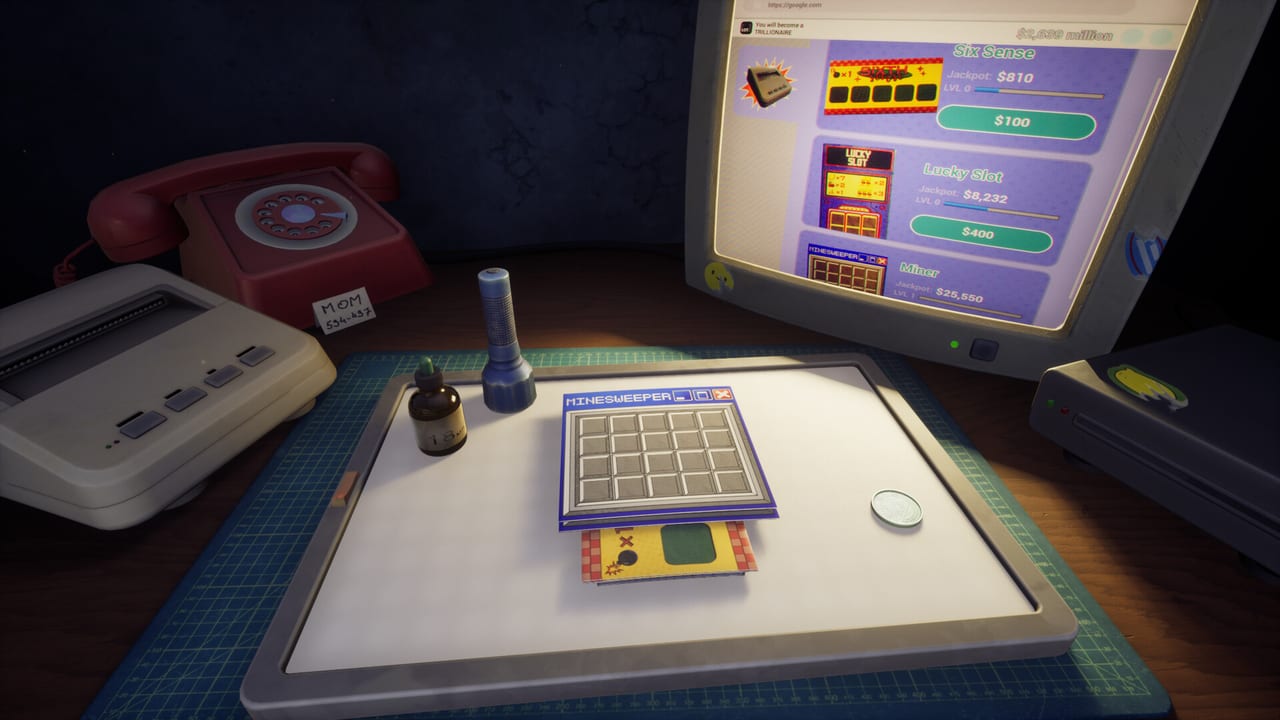
Gadgets are the reason Scratch the Ticket is more than a pure lottery. Spy marks danger, UV Flashlight reveals that mark, LED Panel soft-scans silhouettes, Drop X-rays an entire ticket, the microscope zooms foil, and printers keep the operation feeding new cards. This Gadgets Hub collects every tool page so you can spend charges like a strategist instead of a panicked scratcher.
Read Spy and UV Flashlight first if you want cheap information plays. Add LED Panel when you need mid-ticket clarity without burning a Drop — and install the Release Hotfix if the panel never appeared in the shop. Study Drop X-ray before you blow a full reveal on a tiny ticket. Open Microscope if zoom clips walls. Then open Printers to understand how hardware upgrades change income speed.
How gadgets change the loop
Without tools, every cell is a guess. With Spy and UV, you can avoid at least one catastrophic cell on marked tickets. With LED Panel, silhouettes reduce blind misclicks. With Drop, you can secure a jackpot path when multipliers look enormous. The microscope is inspection, not a bomb map. The tension moves from pure luck to inventory discipline: do you spend the Drop now, or save it for a later printer-tier ticket?
Related strategy
Gadget pages explain what each tool does. Timing advice lives in Gadget Timing and decision rules live in Cash-Out Strategy. Named layouts like SIXTH Sense, LUCKY SLOT, and Minesweeper Tickets change when each tool feels worth it. New players should skim How to Play so the tool names make sense in context.
Demo versus the live desk
Playtesters already used flashlights and related tools in early builds. The August 13, 2026 release expanded the tool set and the idle layer. Treat demo-era gadget notes as history, then verify charges on your patched client. Demo Guide remains a classroom, not the full shop.
Safety note
Some alpha reports mentioned tools disappearing if thrown off-screen. Stay intentional with item placement, and use Save Files if you need to reset a broken session. If the microscope clips geometry, use the in-game reset instead of rage-buying another printer. Pair gadget spending with the Upgrade Path so your printers can replace the tickets you safely cash.
Physics and Mixed reviews
Launch-week Steam comments still complain that objects feel light and that gadgets clip. That is a known player gripe on Review Roundup, not a reason to skip information tools. Spend charges on tickets that hurt to lose, not on warm-ups from Ticket Types.
Final hub note for gadgets
Open the tool pages when you need definitions, then return to timing and cash-out pages for decisions. Play the live Steam client, keep Spy, UV Flashlight, LED Panel, Drop, microscope, printers, and cash-out rules aligned with the downtown apartment goal.
Frequently Asked Questions
Quick answers to the most common questions.
What is the best starter gadget?
Most players learn Spy plus UV first because they teach information plays cheaply. See Spy and UV Flashlight.
Where does LED Panel fit?
Between Spy/UV and Drop as soft X-ray silhouette help. Details on LED Panel.
When should I use Drop?
Only on tickets with huge upside. Details are on Drop X-ray and Gadget Timing.
Do printers count as gadgets?
Printers are progression hardware. We cover them under Printers because they power the ticket economy.