Scratch the Ticket Tools Hub
Practical helpers for decisions you make between scratches.
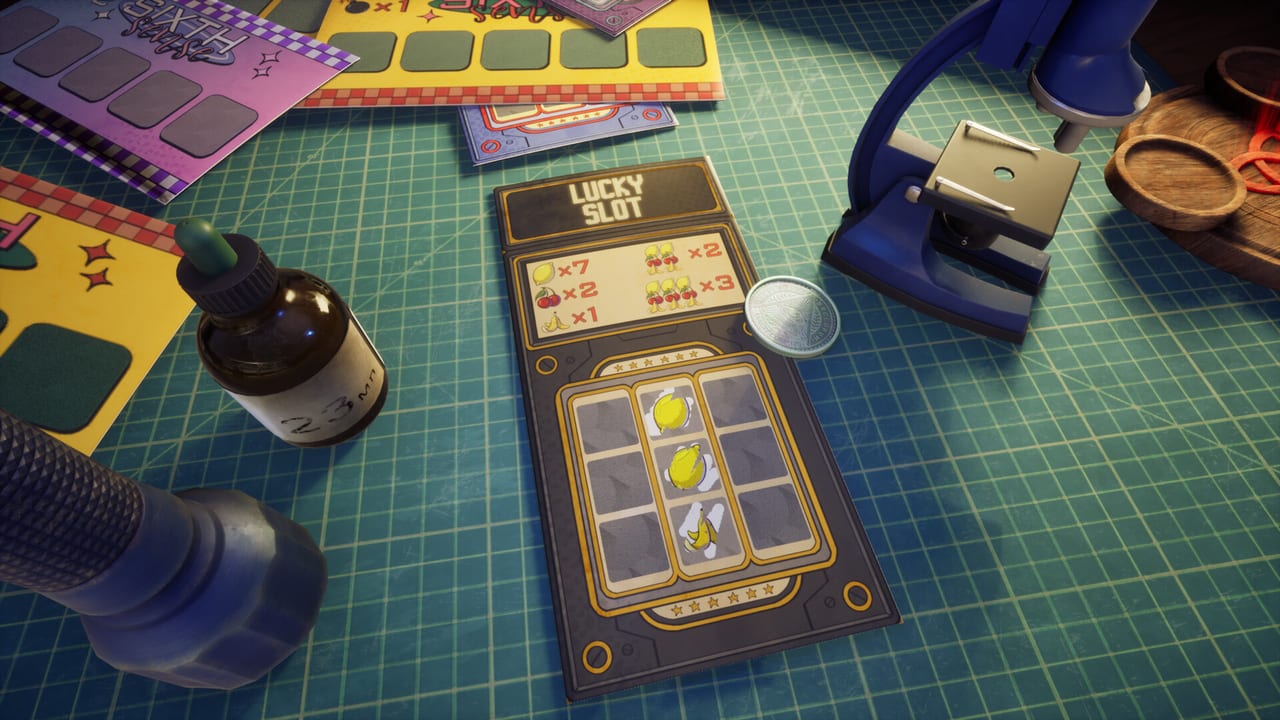
Not every answer needs a long essay. The Tools Hub gathers interactive-style references that keep Scratch the Ticket sessions cleaner: a cash-out checklist, a save-file locator, PC readiness notes, and the Steam trophy ladder.
Open the Cash-Out Helper when you hesitate mid-ticket. Open Save Files when you want a fresh run or need to find LotteryTicket save data on Windows. Open System Requirements after a stuttery session. Open Achievements when you plan bakeries, planets, or Victory Cup hunts.
Why tools belong on a wiki
Guides teach systems. Tools shorten repeated decisions. After you understand How to Play, you will still pause on every high multiplier. A structured helper reduces tilt and keeps bankroll thinking consistent with Cash-Out Strategy.
Pair tools with deep pages
Use helpers alongside Gadget Timing, Getting Started, and the Gadgets Hub. Official downloads remain on the Links Hub. Idle counters that look like trophies are explained on Idle Upgrades.
Scope
We do not host scripts, trainers, or stolen assets. Tools here are planning aids for legitimate Steam play. If a helper ever conflicts with a live patch, trust the in-game UI and check Updates, especially the Release Hotfix.
Session workflow
- Confirm Windows readiness on System Requirements.
- Warm up with a cheap ticket using rules from Ticket Types.
- When multipliers climb, open the Cash-Out Helper.
- If a gadget glitches or you want a clean slate, use Save Files.
- After the session, skim Launch Day or Demo Notes depending on whether you practiced on the demo or the live client.
- If you chase 100 percent, map the next trophy on Achievements instead of printing revenge Role S cards.
Hardware before greed
Frame hitching masquerades as bad luck. Confirm specs before you blame Spy marks or LED silhouettes. Close heavy browsers during Role S and Minesweeper tickets and keep overlays quiet so cash-out clicks land on time. A 75 FPS cap is an optimization choice, not a broken slider.
When to soft-reset
If gadgets vanish off-screen or a session turns toxic, Save Files protects more progress than revenge tickets. Steam Cloud is live on the full client — do not delete folders blindly. Soft-reset, rewrite your stop rule, then return with Cash-Out Helper prompts ready.
Confusion and wrong stores
Idle-bot checklists do not belong here. Confirm App 4626940 via Vs Scritchy Scratchy and the Links Hub before you trust any third-party tool claim.
Practice loop for tools
Play the live Steam client, keep the demo as a classroom, open System Requirements once, then pin Cash-Out Helper, Save Files, and Achievements. Tools exist to protect decision quality — not to invent odds the game never published.
Helpers shorten decisions. They do not replace reading How to Play once. Stable frames plus a written cash-out rule beat panic every time.
Frequently Asked Questions
Quick answers to the most common questions.
Is the cash-out helper a calculator with exact odds?
It is a decision checklist based on public mechanics, not a hidden RNG dump. See Cash-Out Helper.
Can these tools modify my game?
No. They are wiki references only.
Where do I reset progress?
Follow Save Files for the Windows save folder path shared by players.
Where do I check PC specs?
Open System Requirements and re-check live Steam text from the Links Hub.